
If you don’t require Time and a Half overtime in your company, you can simply disable this option by following the steps below.
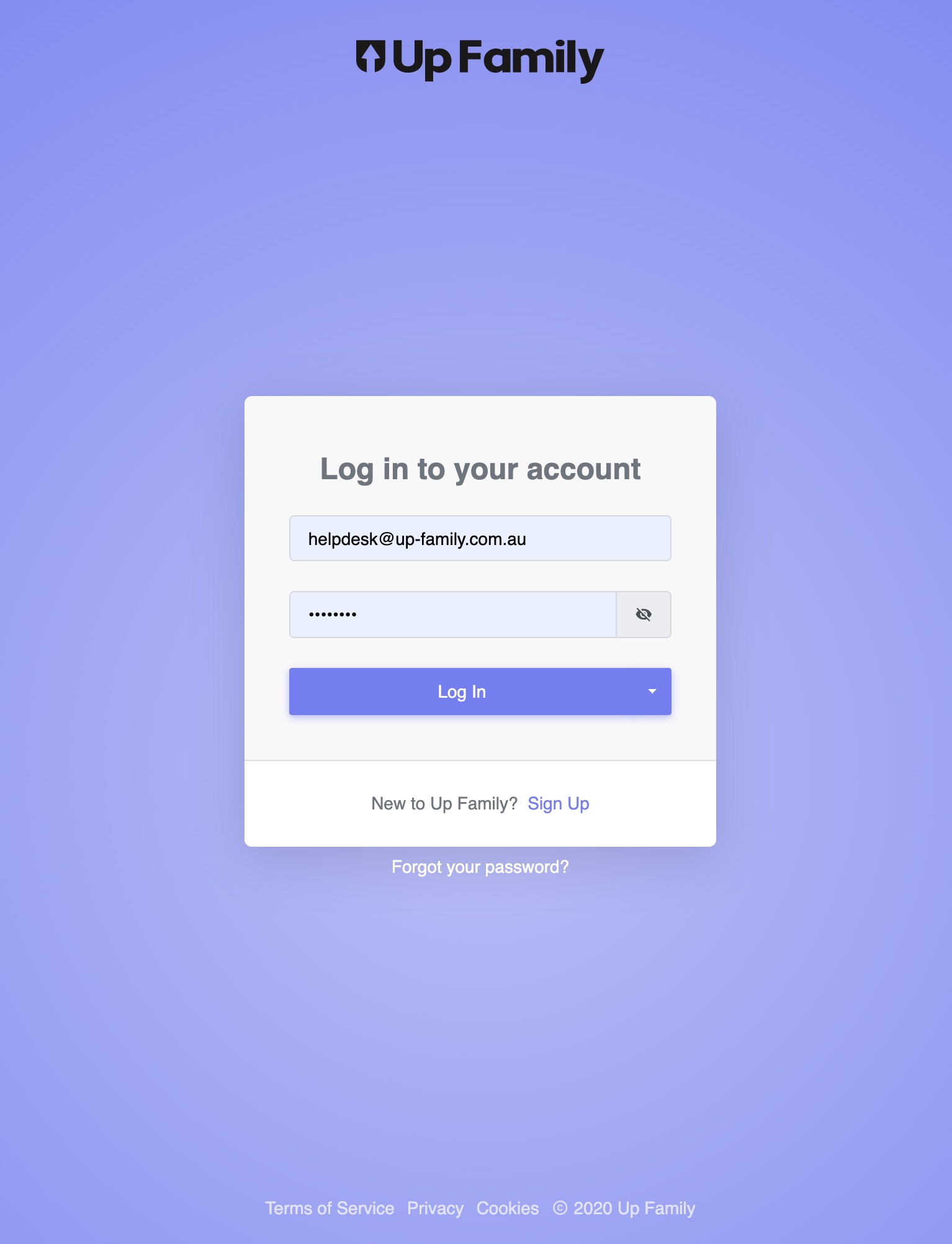
- Login to https://up-family.com.au/
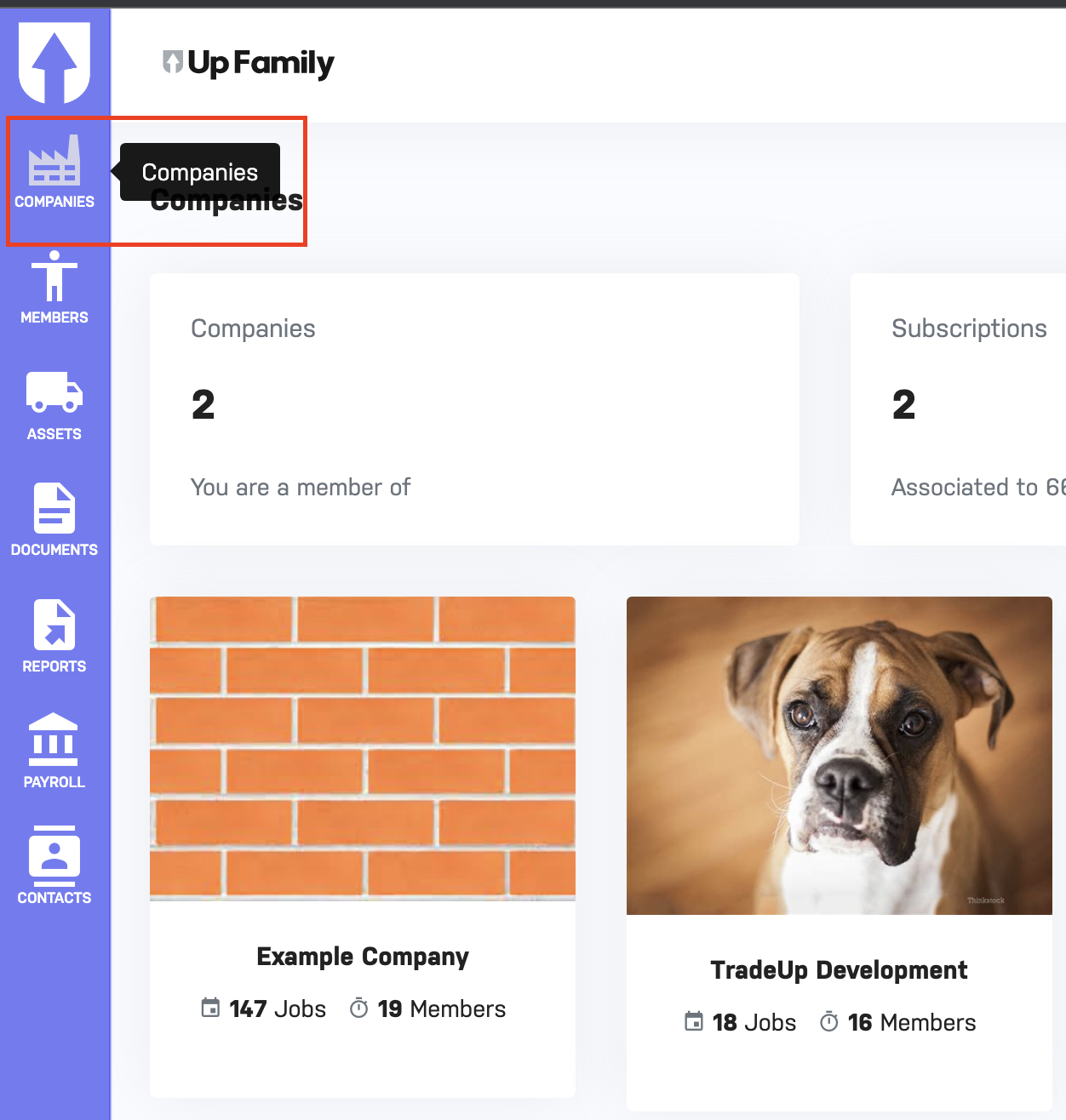
- Click on Companies.

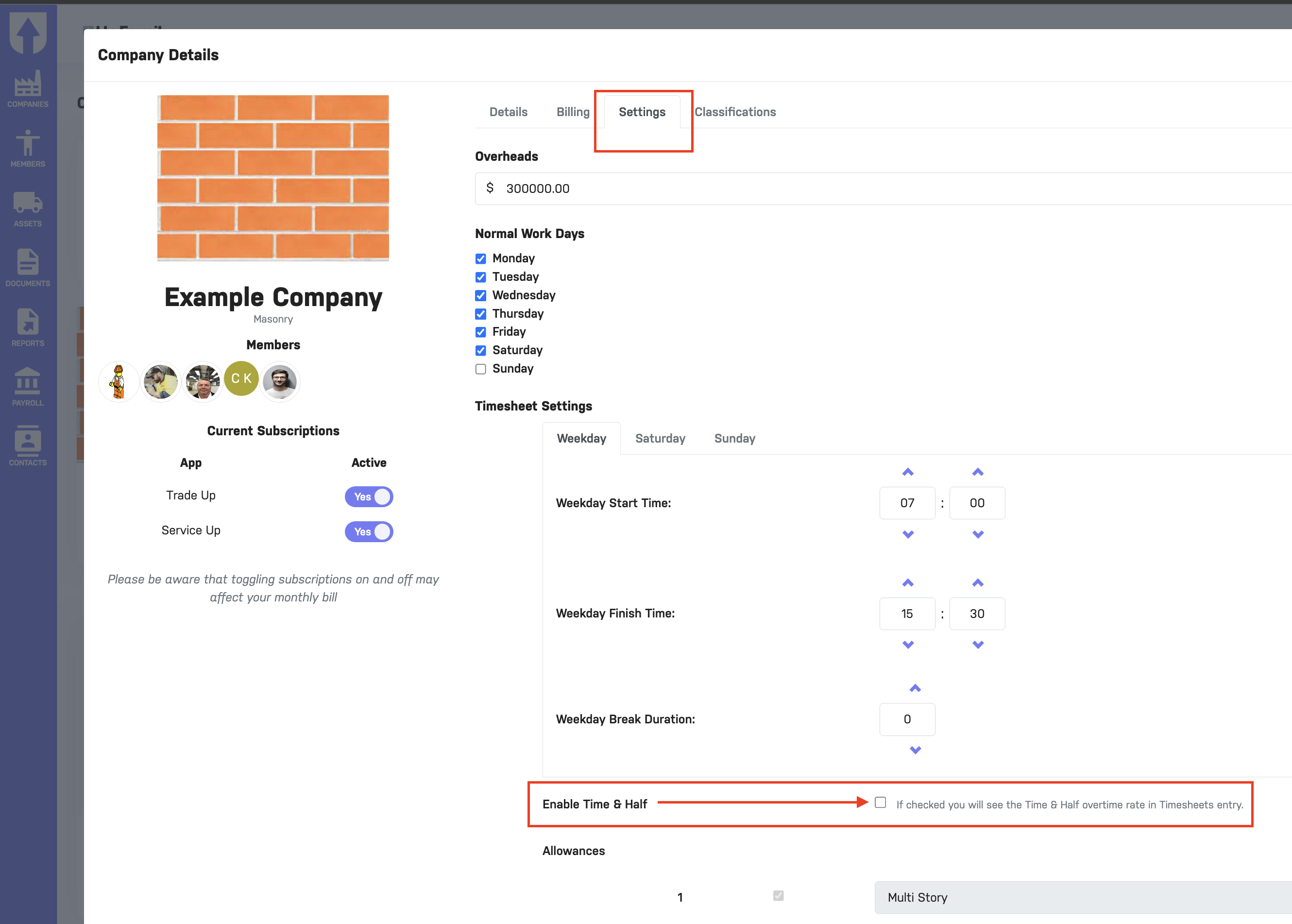
- Switch to Settings tab.
- Uncheck the Enable Time & Half checkbox.
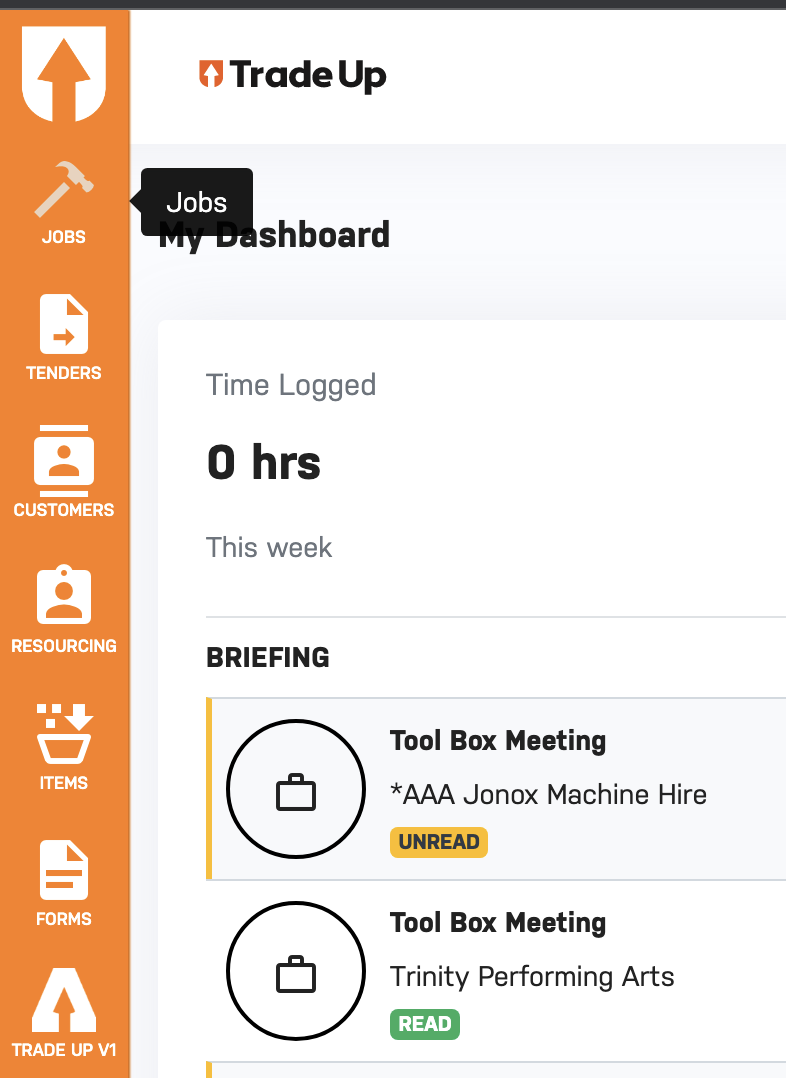
- To check the settings have been applied switch to Trade-Up.
- Switch to Trade-up for Your Company (eg: Example Company).
- Click on Jobs tab present on the left hand side.
- Select the Job and click on Timesheets for that job present on the left hand side menu.
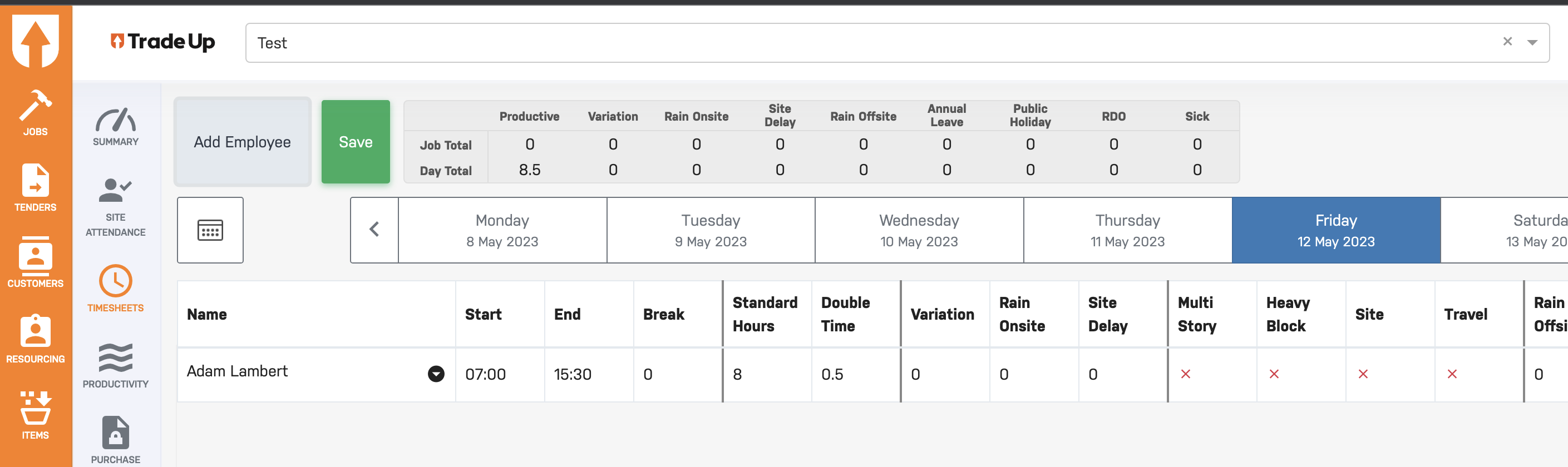
- The above screenshot shows that Time & Half column has been disabled in the timesheet table and any overtime worked (more than 8 hours) will go to Double Time column.

Please check the video below for more info.